01
Your idea stays yours
Start with a detailed prompt or a quick phrase. Refine the design around your taste instead of settling for a one-size-fits-all template.

Turn a manicure brief into a visual reference. Choose a shape, explore a finish, and make your next set your own.
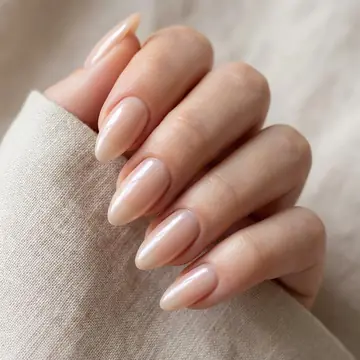
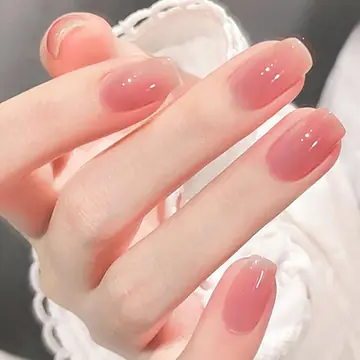
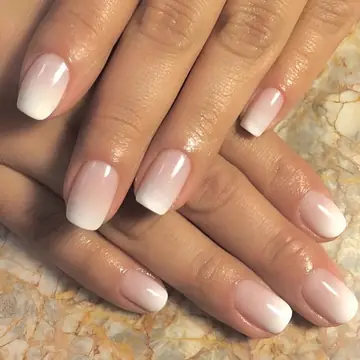
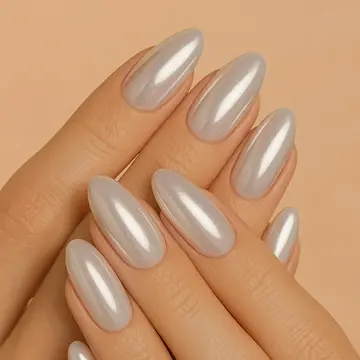
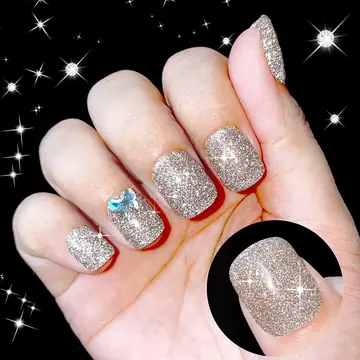
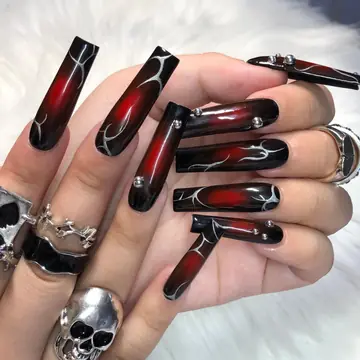
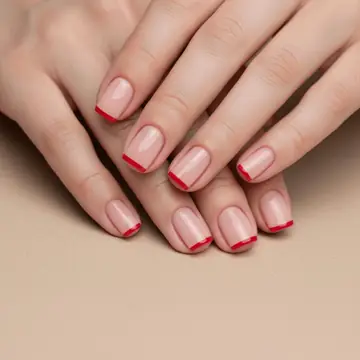
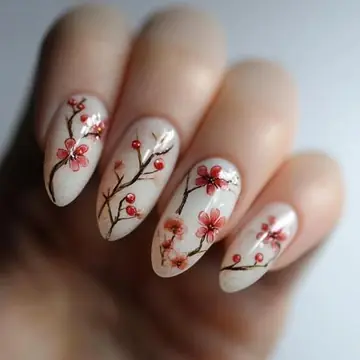
Start with a mood, a reference, or one small detail. Build a design that feels like yours.
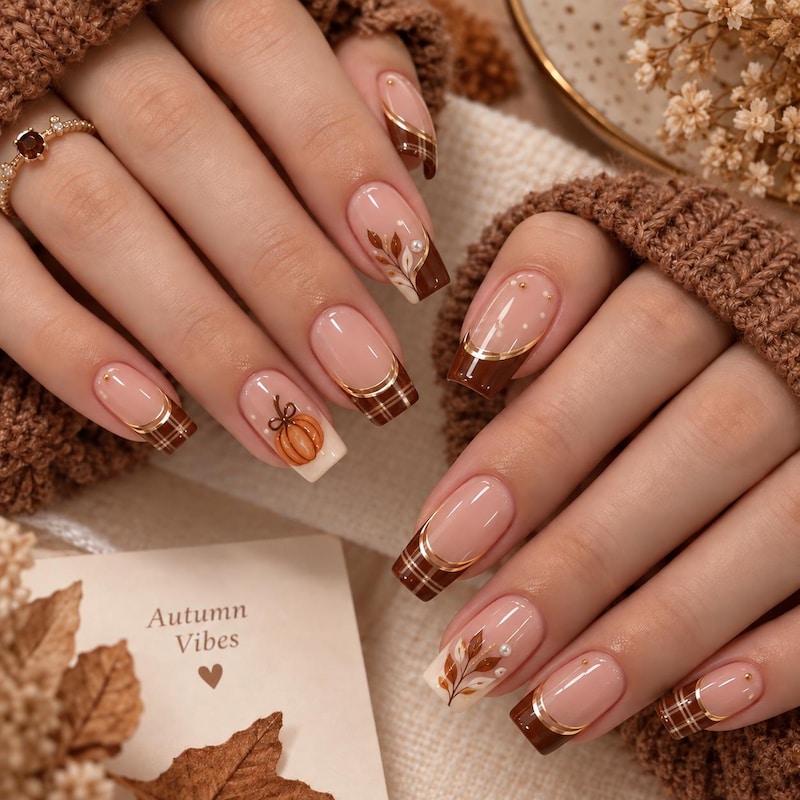
01 · START WITH A THOUGHT
Describe a color, shape, finish, or tiny detail and see it become a polished nail concept.
Explore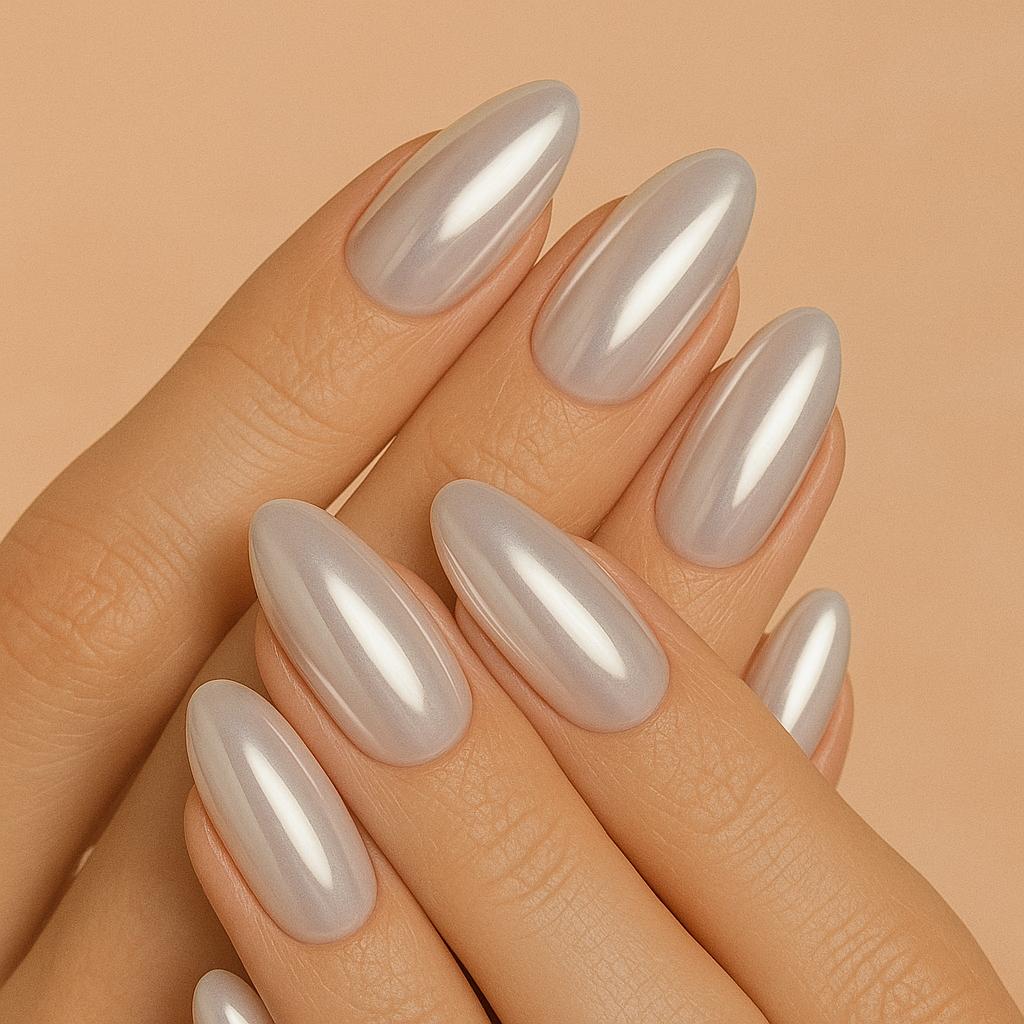
02 · BRING YOUR INSPIRATION
Add an image you love, then explore fresh palettes and details inspired by it.
Explore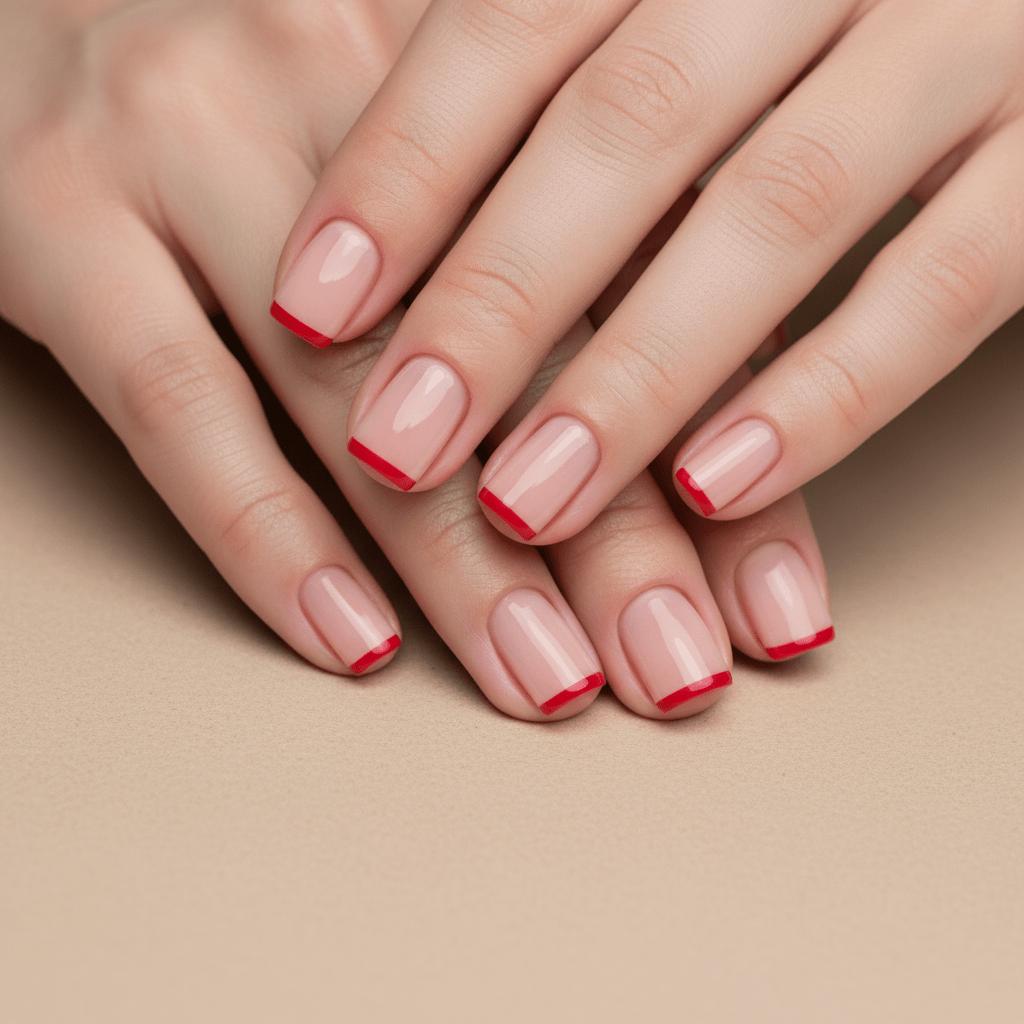
03 · KEEP EXPLORING
Browse nail shapes, finishes, and styles for a clear starting point—or your next idea.
ExploreSEASONAL NAIL EDITS
Find a festive starting point, then make every color, charm, and finish your own.
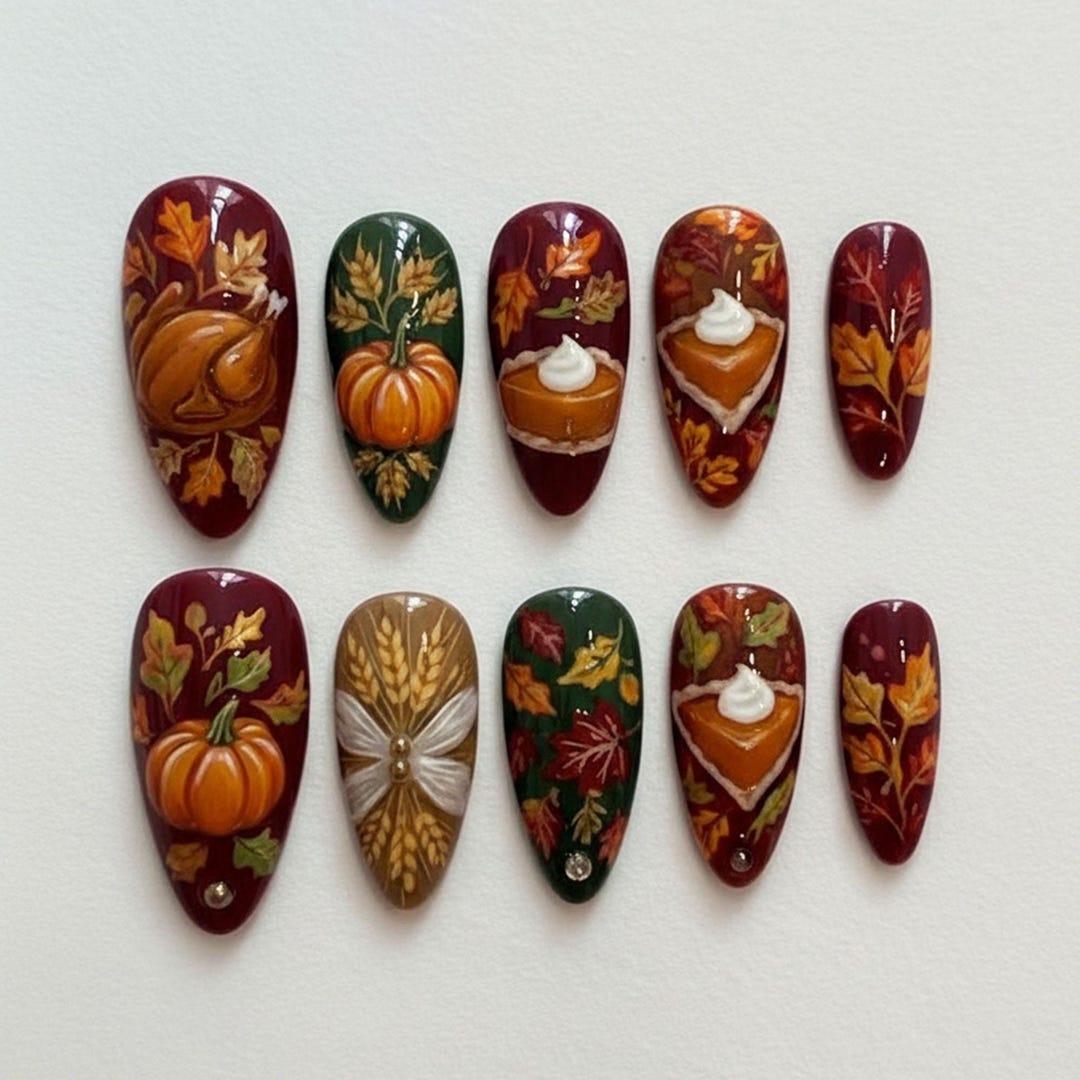 NOV 26
Warm amber, autumn leaves, and a little golden glow.
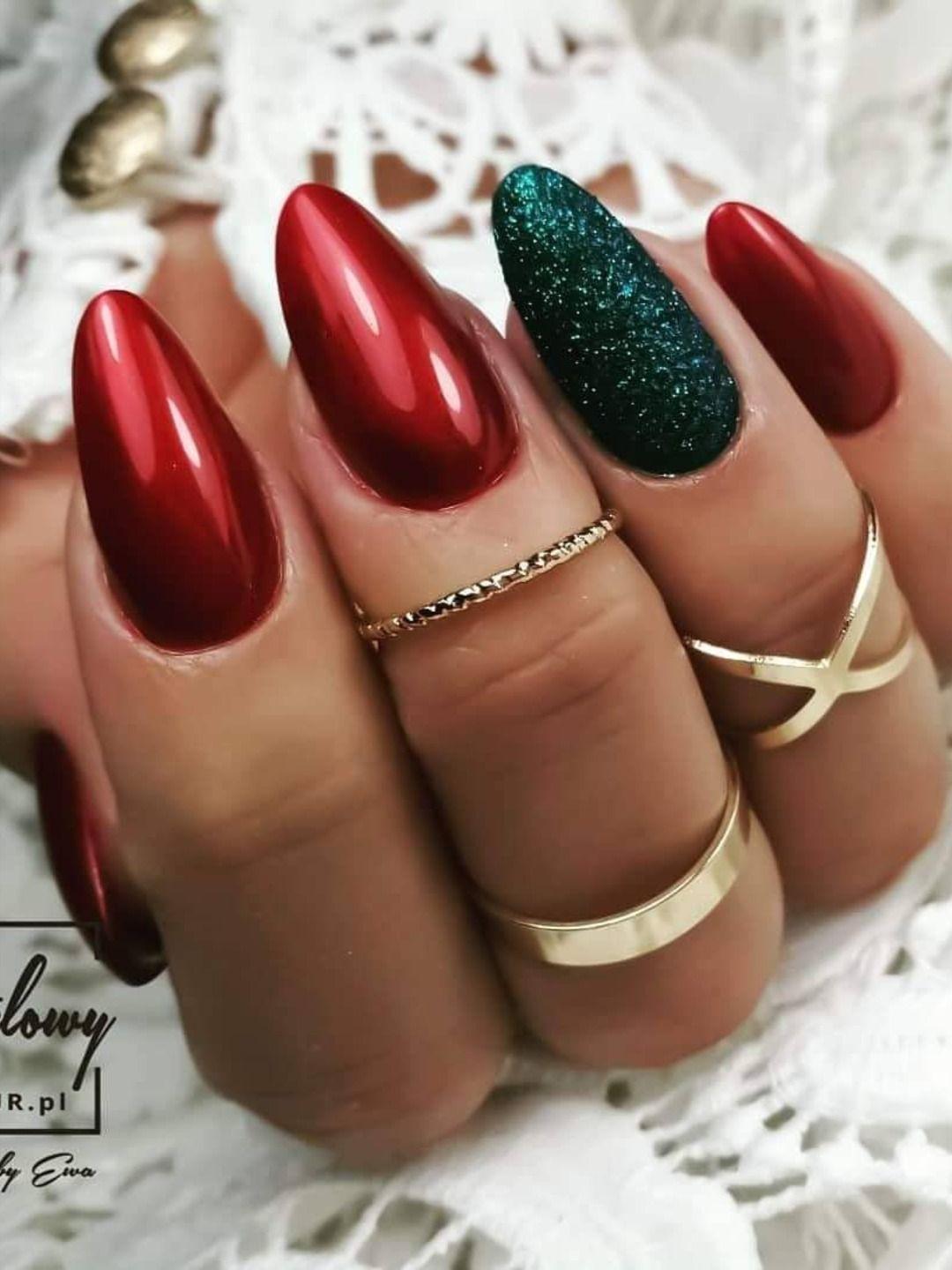 DEC 25
Velvet reds, winter sparkle, and evergreen details.
THE NAILSTYLE DIFFERENCE
NailStyle turns inspiration into a design direction you can see, shape, and make your own—right down to the little details.
Create your designStart with a detailed prompt or a quick phrase. Refine the design around your taste instead of settling for a one-size-fits-all template.
Bring a reference and explore its palette, shape, finish, and accents. Small choices add up to a set that feels considered.
Try a softer palette, a bolder shape, or an entirely different mood. Compare directions before choosing your next set.
An AI nail design tool turns a written manicure brief into a visual reference. Describe the shape, length, shades and details you want to see together, then use the result to explore your next set. NailsArt AI helps you move from an idea in your head to something you can compare, refine and discuss at your next appointment. You can start with a short description or add a reference photo when the selected model supports image input.
A generated image is especially useful when you are deciding how much detail feels right. It can help you compare a single accent nail with a more expressive set, or see how a pearly finish changes the mood of a simple manicure. Keep the version you like as a conversation starter for your nail technician. The image is a reference rather than a polish catalogue: exact shades, tiny details and textures may need adjusting to your natural nails, available materials and daily routine.
First, describe the manicure in the tool above. Include the nail shape and length, two or three shades, and a finish you like. A brief such as “short squoval nails, a sheer pink base and fine white French tips” gives the generator a clearer direction than a single adjective. If you upload a reference, explain which parts you want to keep and which details you want to change.
Second, review the available output settings and generate your reference. Sign in when prompted, and check the credit requirement shown by the tool before confirming. Available models and credit use depend on your account and current settings. Third, compare the image with your original brief. Change one detail at a time, such as the tip width, accent placement or amount of shimmer, so each variation is easy to judge. Save your favorite result and bring it to your appointment to discuss suitable products, practical length and the finish your technician can achieve.
Start with a familiar direction and give it your own details. French tips can be narrow and understated, softly curved or angled across the edge. Chrome prompts let you explore pearl, silver and glazed finishes, while cat eye references show a band of magnetic shimmer across the nail. For painted accents, name one small motif and its position instead of asking for a different picture on every finger.
The same brief can feel very different on a short rounded nail and a longer almond silhouette. Include both shape and length, then keep the rest of your description consistent when comparing options. Minimal, floral, abstract, jelly and soft ombre are useful starting points. You can combine one finish with a restrained accent, review the balance, and decide what to simplify. Think about your clothes, your work and how often you want to maintain the set. The aim is a personal reference that you can explain clearly and adapt with a professional.
Subscriptions and credit packs for nail designs. Your exact credit cost is shown before generating.
For exploring your first nail ideas
Includes
Secure checkout · Instant credit delivery
For regular creators
Includes
Secure checkout · Instant credit delivery
More credits for frequent nail design
Includes
Secure checkout · Instant credit delivery
Bank-level 256-bit SSL encrypted global payment processing.
Generation credits are deposited to your balance in real-time.
Save your generated nail designs for your portfolio, social posts and client conversations.
Seamless support for Cards, PayPal, Alipay, and WeChat Pay.
NOTES FROM NAIL LOVERS
From the first inspiration to the final little flourish, make room for a set that feels like you.
“I knew I wanted a soft chrome manicure, but I could not explain the details. Seeing it on almond nails made my next salon appointment so much easier.”
“I use my favorite nail photo as a starting point, then try a shorter shape and a different finish. It helps me choose a manicure that fits my everyday style.”
“I planned a delicate bridal manicure and a bolder set for the after-party. Comparing both nail looks side by side helped me decide what felt most like me.”
“My saved nail photos used to be all over the place. Now I can bring one clear manicure reference to my nail artist and talk through the little details.”
Check the tool and your account for available trial credits. Each generation uses the credits shown for the selected model. Paid options are available if you need more.
Yes, when the selected model supports image input. Use a clear photo and explain the shape, finish or detail you want to keep in your new reference.
Include both in your prompt, such as short squoval or medium almond. Adjust one detail at a time to make different results easier to compare.
Use the result as a visual brief. Your technician can advise on materials, proportions and small painted details that suit your natural nails and available products.